Computer


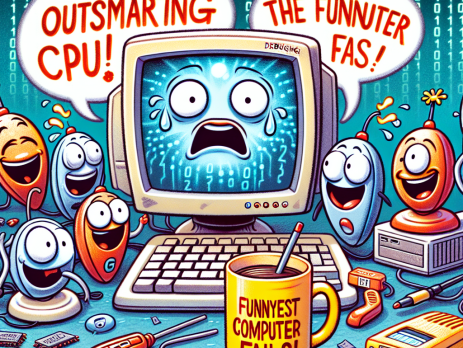
Outsmarting the CPU: The Funniest Computer Fails!

💻 Ever had a computer moment that left you scratching your head? 🤔At Best PC Repair, we love sharing the funniest computer fails! From unexpected pop-ups to mysterious error messages, our machines can be as quirky as they are clever. Have a funny fail of your own? Share it in the comments! And if your PC is in need of a little TLC, call us at (314) 669-7755 or toll-free at (877) 203-2963.📍 Visit us: 12166 Old Big Bend...
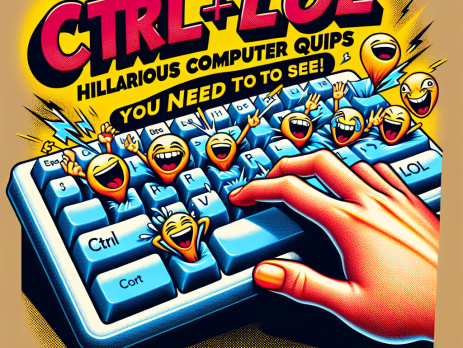
CTRL + LOL: Hilarious Computer Quips You Need to See!

😂 Ready to CTRL + LOL? If your computer’s making you feel more “error” than “excellent,” it's time for a fix! Here are some hilarious computer quips to brighten your day: Why did the computer go to therapy? It had too many bytes! I told my computer I needed a break, and now it won’t stop sending me to sleep mode! At Best PC Repair, we’ll get your tech back to its best self—no corny jokes needed! 📞 Call us...

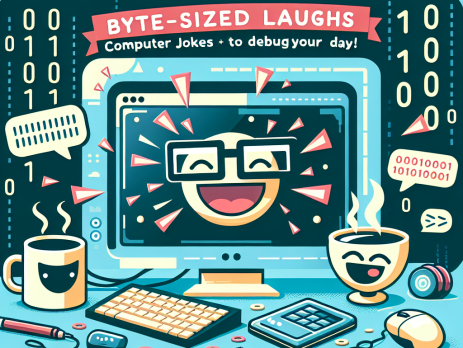
Byte-Sized Laughs: Computer Jokes to Debug Your Day!

💻 Why did the computer go to therapy? Because it had too many bytes!At Best PC Repair, we believe laughter is the best medicine—right after fixing your tech troubles, of course! Need a good giggle or a helping hand with your devices? Call us today at (314) 669-7755 or toll-free at (877) 203-2963. Visit us at: 12166 Old Big Bend Rd, Suite 303 Kirkwood, MO 63122 Open Monday to Friday, 10 AM to 6 PM. Why choose the rest...

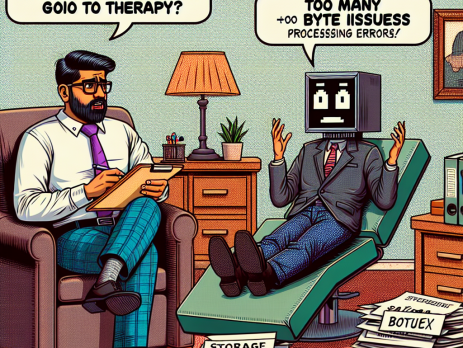
Why Did the Computer Go to Therapy? Too Many Byte Issues! 😂💻

Why did the computer go to therapy? Too many byte issues! 😂💻 At Best PC Repair, we believe even your tech needs a little TLC! Whether it's software glitches or hardware hiccups, we've got you covered. 📞 Call us today to make an appointment! Local: (314) 669-7755 Toll-Free: (877) 203-2963 Visit us at: 12166 Old Big Bend Rd Suite 303 Kirkwood, MO 63122 Open Monday - Friday, 10:00 AM - 6:00 PM. Why...

Speed Up Your Computer: Simple Tricks for Instant Improvements!

🚀 Speed Up Your Computer: Simple Tricks for Instant Improvements! 🚀 Is your computer running slower than you'd like? We understand how frustrating that can be! Here are a few quick tips to help you boost your PC's performance: Clear Out Junk Files: Use built-in tools like Disk Cleanup to remove unnecessary files. Manage Startup Programs: Disable programs that launch at startup to free up resources. Keep Software Updated: Regular updates ensure your system runs efficiently and securely. Defragment Your Hard Drive: This can...